 THE BETTER
When a workout download seems unavailable, the word missing can describe several different situations. The purchase may not be complete, the access message may be hard to find, the file may be saved under an unfamiliar name or the document may open but not match the expected format. Each problem needs a different response. Before purchasing again or trying random websites, work through the stages from checkout to the saved file. This guide uses a simple diagnostic sequence that works without assuming a particular storefront. It focuses on finding the legitimate purchased resource and explaining the problem clearly, while keeping payment details and personal records out of unnecessary messages.

Identify the last confirmed step
Write down what you actually know: you saw a payment confirmation, received a receipt, opened a download page or saved a file. Avoid combining those into one assumption. A receipt indicates something different from a browser tab that was still waiting to finish checkout. A saved file indicates something different from a link you intended to return to later.
Start from the last confirmed step and move forward. If there is no confirmed purchase record, use the storefront's ordinary account or order support workflow. If the receipt exists but no access page is visible, focus on recovery of that access. If the file is already on the device, focus on opening and identifying it. This keeps you from treating a local viewing problem as a payment issue or paying twice to fix a file-location problem.
Find the purchase record safely
Search the email account you used for the purchase for the shop name, product phrase and approximate date. Check ordinary filtered folders if you expected an access message. If you have an account with the storefront, use its established order area and official support instructions. Platform procedures change, so follow the current directions on that service rather than a remembered menu path.
Do not share passwords, full card numbers or unrelated account screenshots with a seller. A useful support request normally identifies the order through the appropriate platform's own process. Be cautious about an unexpected message that sends you to an unfamiliar payment page to recover a download. Return to the known storefront or seller contact route. Recovery should clarify the original transaction, not require trusting a random link that happens to mention your purchase.

Check the device before downloading again
Look in the device's usual download location and any folder you chose during saving. Sort by date if there are many files, and inspect names that might not resemble the product title. A compressed archive or a generic download filename may already contain the resource. Do not assume the file is absent because the cover thumbnail is unfamiliar.
Check the file extension and size using ordinary file information. A PDF, image and compressed archive require different handling. If the item is an archive, extract a copy through the device's supported workflow before inspecting its contents. Preserve the original archive until you know the extracted files work. Avoid repeatedly saving duplicates with numbered names, since that makes it harder to identify which copy is complete and which one failed.
Distinguish access from opening problems
If you can reach the legitimate download page and save the file, purchase access is probably not the immediate problem. Note what happens next: no app opens, an error appears, the first page is visible but later pages fail, or the document opens with unexpected content. These observations help narrow the issue without guessing at its cause.
Try the file in an appropriate viewer already available to you, following the device's current help where needed. Do not rename an archive to PDF and expect it to become a document. If a saved copy appears incomplete, download a fresh copy from the legitimate source and compare it. If the same issue persists, report the exact file and error. A seller can investigate a specific damaged file more effectively than a general statement that checkout is broken.
Compare the files with the advertised contents
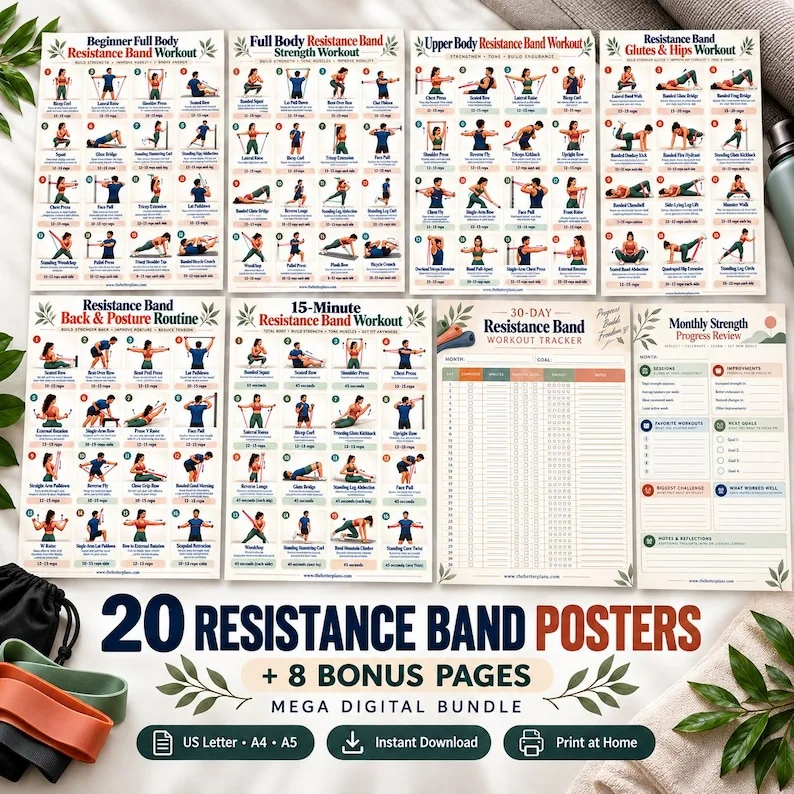
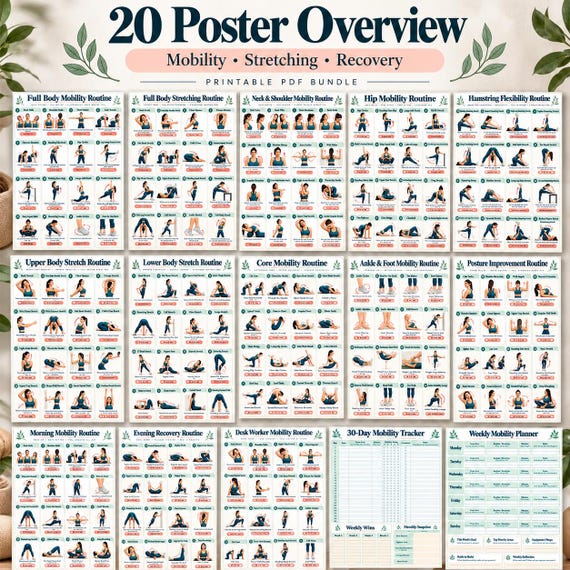
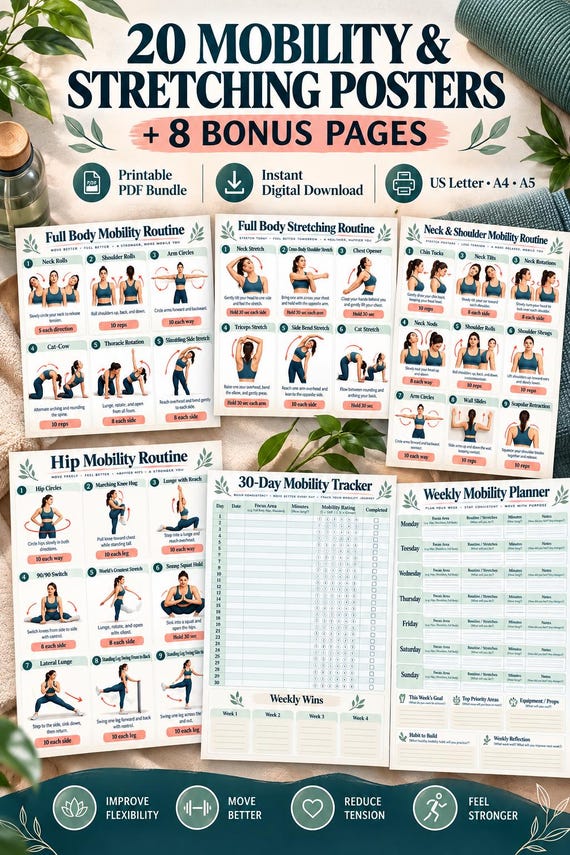
A gallery of ten mockups does not necessarily promise ten different downloads. Check the purchased listing's actual file description, page count, sizes and format. You might receive one PDF containing many pages, or separate size versions of the same content. Count unique content carefully rather than treating every file as a different workout.
If a promised component is absent, identify that component by its listed name. If the file is flat rather than fillable, check whether fillable behavior was advertised. If a paper size seems missing, look for a separate folder or archive first. A precise comparison separates a misunderstanding about packaging from an actual missing resource. Keep the original listing or order reference available when communicating, since a similar product title may describe a different package.
Send a support message that can be acted on
Include the product name, the permitted order reference, the affected file name and the last step that worked. Explain the next step that failed in plain words. For example, I downloaded the A4 file, but page 7 displays blank when reopened, gives a useful starting point. Mention the device or viewer when it is relevant to opening the document.
Attach an error screenshot only if it adds information, and remove unrelated personal details first. Do not send completed fitness logs when a blank sample would show the same issue. Ask a specific question: where to find a stated size, whether an archive includes a missing guide or how to obtain a corrected file. Avoid requesting medical advice from file support. The seller can clarify the resource and access, while individual movement questions need an appropriate source.
Preserve the recovered files and close the loop
Once the resource works, save a clean original in a labeled folder and keep the purchase record in your usual records. Open the first, last and one detailed page to confirm the recovered copy is usable. If you keep a local tablet copy, test it from that location rather than assuming an open download tab will remain available indefinitely.
Remove failed duplicates only after identifying the successful copy. Note any replacement version supplied by support so you do not later reopen an older file with the same name. If the issue remains unresolved, use the storefront's official resolution process rather than inventing a workaround involving another purchase. A careful recovery sequence protects both your time and your records: verify the transaction, locate access, inspect the saved file and describe any remaining mismatch accurately.
Locate the last confirmed step, diagnose access and file behavior separately, and keep a clean working copy once the download is recovered.
Written for general information by The Better Plans. Exercise and wellness content cannot diagnose a condition or replace individual professional advice. The Better Plans also sells digital products on Etsy, but this article is free to read and requires no purchase. Read our editorial policy or send a correction.