 THE BETTER
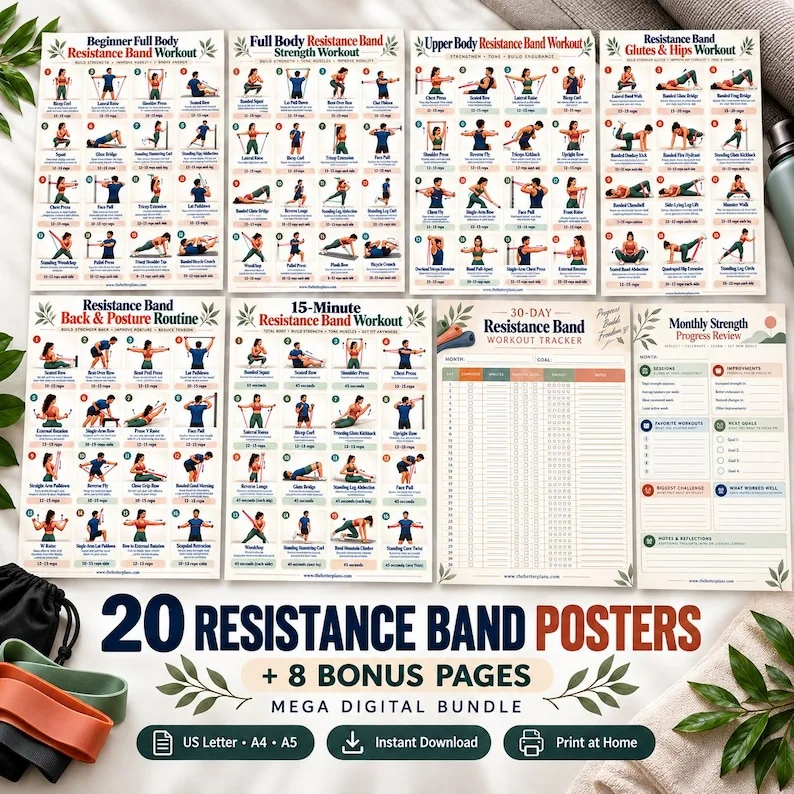
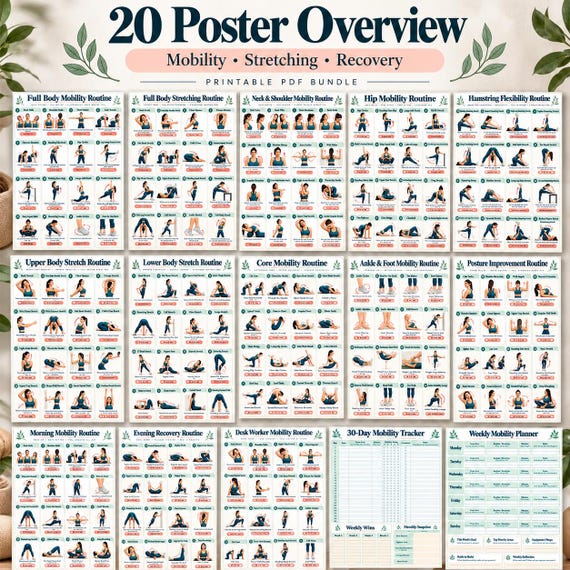
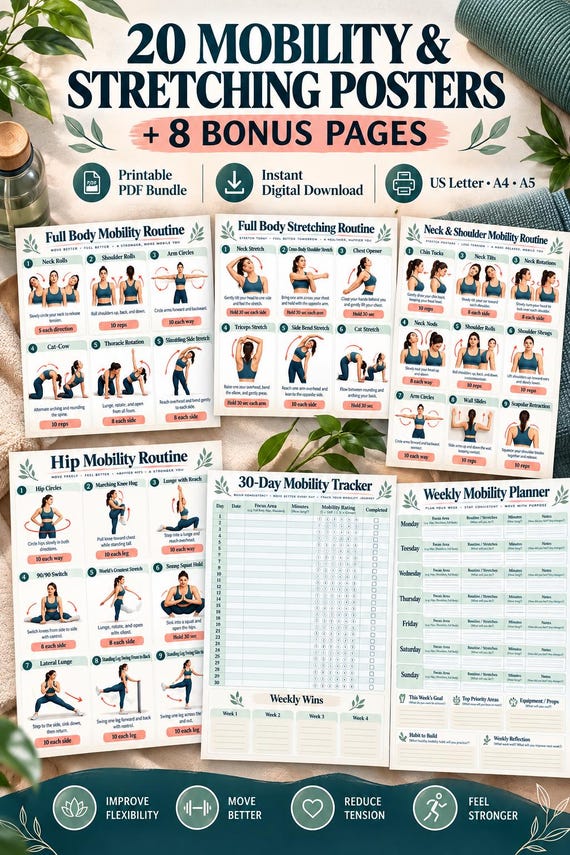
An inclusion matrix is a simple table that answers a narrow purchasing question: which of the resources I want are already included in collections I own or am considering? Unlike a library index, it does not organize every file. Unlike a two-product comparison, it can reveal overlap across several bundles at once. Its purpose is to prevent accidental repeat purchases while making genuine additions visible. You can build it on paper or in a spreadsheet, using confirmed contents rather than assumptions drawn from similar titles.

Choose rows that describe concrete resources
Use a row for each specific design or clearly described content unit you care about. A row called strength is too broad: nearly every fitness collection could fit it. A row called seated upper-body reference with sixteen labelled illustrations is more informative, especially when you include the exact title supplied by the seller. Start with a small set of resources relevant to your next purchase. You do not need to map an entire shop to make a useful decision.
Keep format variants outside the content rows. A4 and US Letter versions of the same design do not necessarily represent additional content. If paper size is a requirement, record it separately beside the collection name. Similarly, a workout poster and a guide covering the same theme should have separate rows if they perform different jobs. The matrix works when each row means one recognizable resource, not a broad category, a packaging detail or a promise about results.
Give each collection its own column
Place the collections you already own and those you are considering across the top. Record the exact collection title and, when available, the edition or date of your notes. Similar marketing names can hide different contents, while changed covers can belong to the same download. A stable identity prevents you from accidentally comparing a new listing with an older file that has a nearly identical title. Keep the source of each contents list beside the column.
Use a limited set of marks: included, not included and unconfirmed. An empty cell can be ambiguous, so avoid relying on blanks. Unconfirmed is especially important when a listing shows a design in a promotional image without explicitly identifying it as part of delivery. Do not turn a visual suggestion into an included mark. A matrix should make uncertainty visible. It becomes less useful when every cell looks definite because you filled gaps from assumptions or similar products elsewhere.

Distinguish overlap from related content
Two designs can share a theme without being duplicates. Compare their titles, illustration arrangement, explanatory depth and recording fields before marking exact overlap. A poster of movement names is different from a multi-page explanation, even if both are called a beginner guide. Use a note such as related, not identical when the relationship matters. That keeps the main inclusion marks clear while preventing a broad thematic match from erasing a genuine difference.
Conversely, a changed cover or colour palette does not establish new instructional content. If the same page appears in a themed collection with a different promotional image, it may still belong in the same row. Ask for clarification where necessary. For a hypothetical library containing chair, senior and general home-fitness bundles, a weekly planner might repeat across all three while their reference charts differ. The planner overlap is worth noting, but it does not mean the complete bundles are interchangeable.
Mark the evidence behind each entry
For every included mark, identify where the evidence comes from: a purchased page, a clear contents list or a seller's explicit answer. Short source notes are enough. For example, page title visible in purchased A4 PDF is stronger evidence than looks like image seven. If you cannot locate the resource in a bundle you own, inspect the file before assuming it is absent. A bonus might be supplied separately or placed after the main collection.
If you are mapping prospective purchases, take care with truncated listing text and cropped previews. A row can remain unconfirmed without invalidating the whole matrix. Focus clarification on rows that would change your decision. If a new collection seems attractive only because it might include one particular reference, confirm that item first. The matrix is a tool for reducing unnecessary purchases, not a reason to send a seller an exhaustive audit of every resource in your personal library.
Identify the marginal addition
The most useful part of the matrix is the set of confirmed rows that the prospective collection adds beyond what you already own. Count those additions by function as well as quantity. Five new trackers may not answer your need for one detailed reference. A bundle with considerable overlap could still be worthwhile if its single new guide serves an important purpose, but that is a deliberate choice rather than a reaction to its advertised total page count.
Do not calculate value by dividing price by a headline page number unless that measure actually reflects your needs. A repeated size edition or decorative cover may inflate the denominator without adding the resource you want. Instead, write a brief addition statement: this collection adds two equipment references and one explanation guide; its planner repeats an existing design. You can then judge whether those specific additions justify buying the collection now, choosing another resource or waiting for clearer information.
Use the matrix for a realistic purchase example
Imagine you own a seated-reference bundle and a general planning pack. You are considering a third collection containing seated charts, a standing reference and weekly planners. The matrix shows that most planners and two seated charts already exist in your files. The standing reference is new, but its instructions remain unconfirmed. Your next action is not to declare the new bundle redundant. It is to inspect that reference and ask whether it contains the explanation you need.
If the new reference is suitable for your document task and clearly included, you may still prefer the complete bundle for convenience. Alternatively, a single resource could serve the same purpose with less overlap. The matrix supports either decision because it separates new content from repeated content. It does not assess whether the movements themselves fit an individual's circumstances. Keep that assessment outside the table, rather than allowing a new-content mark to become an implied recommendation to use the page.
Keep the table proportionate and current
Update the matrix when a purchase changes what you own or when a listing's confirmed contents change. Do not spend more effort maintaining it than the decision warrants. You can archive columns for rejected purchases once they are no longer relevant. Preserve the identity of collections you own so later comparisons still refer to the correct files. A small table with clear evidence is more useful than a large spreadsheet filled with uncertain similarities.
Before paying, review the rows that motivated the purchase and verify the live listing once more. After delivery, check those rows against the actual files and correct any mistaken entry. Keep original downloads intact rather than deleting repeated pages to make the table look tidy. The point is informed choice, not aggressive file removal. An inclusion matrix earns its place when it reveals what a collection adds, what it repeats and what you still need to clarify before buying.
Map specific resources across collections, mark uncertainty and focus on the new content you actually need. Related themes, repeated sizes and changed covers should not be mistaken for confirmed additions.
Written for general information by The Better Plans. Exercise and wellness content cannot diagnose a condition or replace individual professional advice. The Better Plans also sells digital products on Etsy, but this article is free to read and requires no purchase. Read our editorial policy or send a correction.