 THE BETTER
A file can be easy to open without being easy to redesign. That distinction causes frustration when a buyer expects to change colours, move illustrations or replace text in a finished printable. Finished PDFs, fillable PDFs, annotation tools and editable design templates support different kinds of changes. This guide explains those differences through practical document tasks. It does not assume that a particular product includes editing rights or source files; those details must come from the actual listing and the terms supplied with it.
Describe the change you want to make
Before asking whether a product is editable, name the specific action you need. Typing a date into a box, adding a handwritten note, changing the title and moving an illustration are four different operations. A PDF viewer may support the first two through forms or annotation without allowing the last two. The word editable is too broad to settle the question unless the seller explains which parts can change and which tool is required.
Imagine buying a tracker because you want to type weekly notes. A finished PDF could meet that need if you are comfortable adding annotations, but a digitally fillable version might be more convenient. If you want to redesign the tracker for a different layout, neither option necessarily provides the original design structure. Write the task in ordinary language. I need to replace the printed headings is a clearer requirement than I need a flexible file, and it directs the seller toward a concrete answer.
Understand a finished PDF
A finished PDF presents an arranged document for viewing and printing. Its pages have a layout, text and images that are intended to remain visually consistent. That does not mean no software can alter any PDF; it means the supplied document is not necessarily the same as an editable design project. Converting or extracting content can change fonts, spacing or image quality. A result that looks close on screen may not preserve the original print layout.
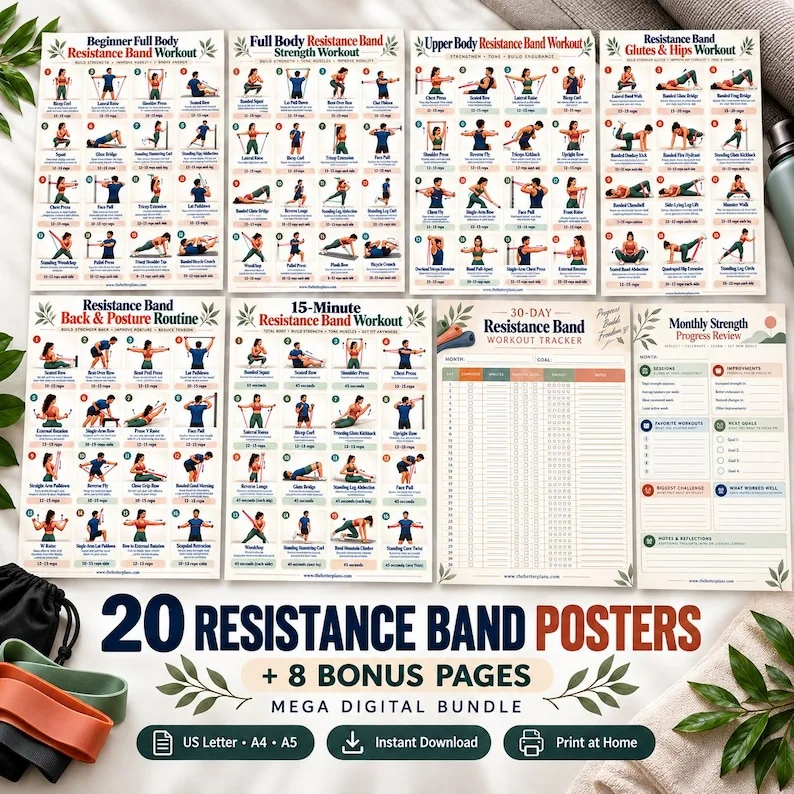
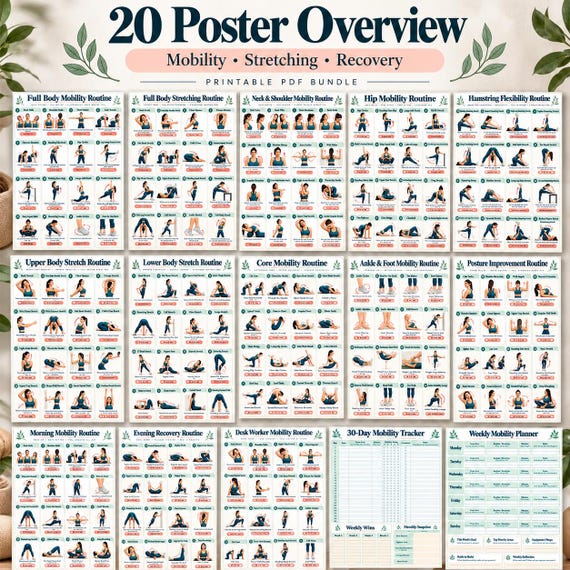
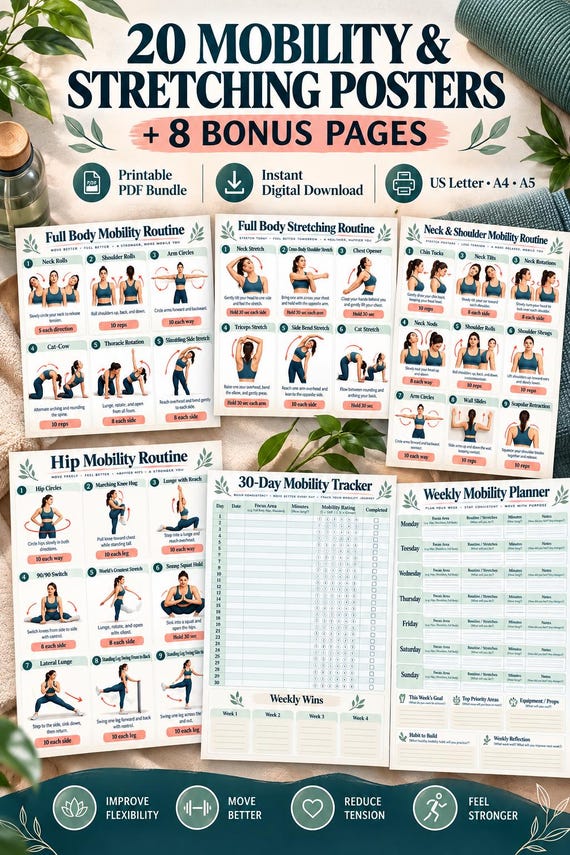
Treat a finished fitness poster as a published reference unless the seller describes another supported use. You can usually choose pages to print or consult, but that selection does not amount to redesigning them. If the page has blank writing areas, their presence alone does not prove you can type directly into them. Check whether the seller supplies interactive form fields, annotation instructions or only a printable sheet. The product's intended workflow should be clear before you decide how much technical work you are willing to do.

Distinguish annotation from content editing
Annotation adds information over or beside existing content. Common examples are highlights, notes, drawn marks and text boxes. The underlying poster may stay unchanged. Content editing changes the document itself, such as replacing a heading or relocating a diagram. These operations can look similar in a screenshot, particularly when a text box covers existing words, but they behave differently when the file is printed, shared or reopened in another application.
For personal planning notes, annotation may be enough. Keep an untouched original and save a separate working copy so you can remove your notes later. Test whether the annotations remain visible after closing and reopening the file. If you need a clean redesign, ask for a template intended for that purpose rather than relying on overlays. Also verify permissions independently: being technically able to change a file does not establish which uses or sharing are allowed. Avoid treating software capability as a substitute for the product's stated terms.
Recognize fillable form fields
A fillable PDF contains designated places where information can be entered through compatible software. Those fields may include dates, short answers or checkboxes. They normally do not make the entire page a design template. A form field can accept your workout notes while the title, illustrations and layout remain fixed. If digital record keeping is your goal, ask whether fields are supplied and whether the seller gives a recommended way to save completed entries.
Check the actual behavior using a sample if one is available. Can you select a writing area, type an entry and save it? Does the entry remain after reopening? A blank box printed on the page is not evidence of a form field. Different viewers can handle features differently, so a seller should not be expected to guarantee every application. Your essential question is whether the product was designed with fillable fields, rather than whether someone could improvise a text overlay using another tool.
Inspect an editable template’s dependencies
An editable template is usually connected to a design tool or supplied in a source format that preserves its objects and layout. It may require an account, particular software, fonts or other assets. Ask what is needed before buying. A template preview can look identical to a finished PDF while the workflow is very different. The important details are how you access it, which elements are changeable and what you must do to produce a final printable.
Do not assume all pictured elements are separately editable. An illustration might be a single flattened image even when its surrounding text can change. A hypothetical template may let you replace headings and colours while keeping artwork fixed. That can still be useful if it matches your task. Confirm whether an exported PDF is also included and whether you need to export your own version. Keep original template copies safe so an experiment with layout does not overwrite the clean starting point you intended to preserve.
Consider the cost of customization
Customization takes attention as well as software. Changing a heading can push another line onto the next page; replacing a font can alter readability; resizing illustrations can crowd their labels. A polished preview does not guarantee that an extensively modified version will retain its balance. Before selecting a template, decide whether editing is necessary or whether a finished version already does the job. The extra flexibility is valuable only when you can use it without compromising essential information.
Fitness references need particular care because wording, arrows and illustrations work together. Avoid removing cues to make the design look cleaner or inventing instructions to fill empty space. If a change would affect the meaning of an educational page, it requires more than graphic taste. For a blank planner, layout experiments may be straightforward; for an instructional reference, preserve content relationships. This is a document-quality issue, not a suggestion that access to an editable template qualifies a buyer to rewrite exercise guidance.
Confirm delivery with a task-based check
At the end of your comparison, ask the seller a sentence built around your action: can I replace the headings in the supplied template, or can I type into the supplied PDF's note fields? Include the tool you intend to use if relevant. A direct answer gives you something to verify after delivery. If the description only says printable PDF, assume neither source design files nor form fields have been established until they are explicitly confirmed.
When the files arrive, test the smallest required task first. Enter a sample date, save a copy or open the template without changing its content. Check that you can return to an untouched original. If the supported task does not work, report the filename, application and exact behavior to the seller. Do not describe every technical obstacle as an editing failure: a download that will not open is different from a document that opens but lacks the redesign features you expected. Clear distinctions lead to more useful support.
Choose a file by the action you need: print, annotate, fill fields or redesign. Confirm the supplied format, editable elements and required tools before treating a finished PDF as a source template.
Written for general information by The Better Plans. Exercise and wellness content cannot diagnose a condition or replace individual professional advice. The Better Plans also sells digital products on Etsy, but this article is free to read and requires no purchase. Read our editorial policy or send a correction.