 THE BETTER
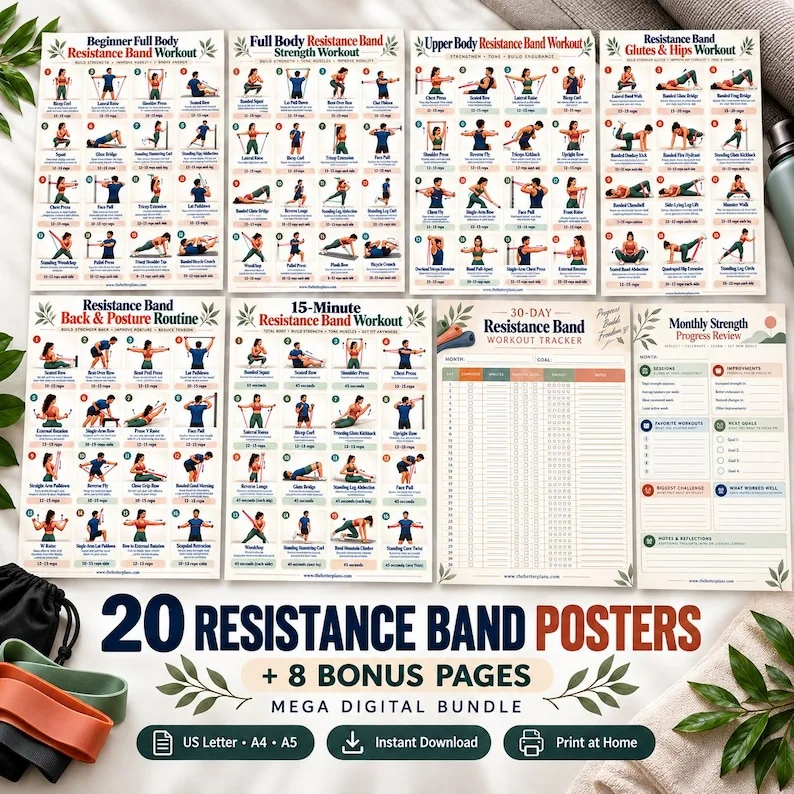
Resistance band workbooks often use bright equipment illustrations and short labels. Those choices can make a page easy to scan while leaving important questions unanswered. Before choosing a download, inspect the way it describes the band, the page layout and any accompanying explanation. The goal is to compare document contents, not choose a resistance level or learn an attachment method from a thumbnail. A practical preview checklist also helps you separate a seller's design vocabulary from the labels printed on equipment you already own.
Identify the equipment description in words
Read the listing and sample page for an explicit equipment description. A simplified drawing might depict a loop, a long band or a handled item without explaining which one the instructions intend. Write the terms the author actually uses. If the terms differ between the cover and the inside page, record that inconsistency before purchasing. A workbook whose equipment note is visible gives you something concrete to compare with your established guidance; an attractive illustration alone leaves more room for interpretation.
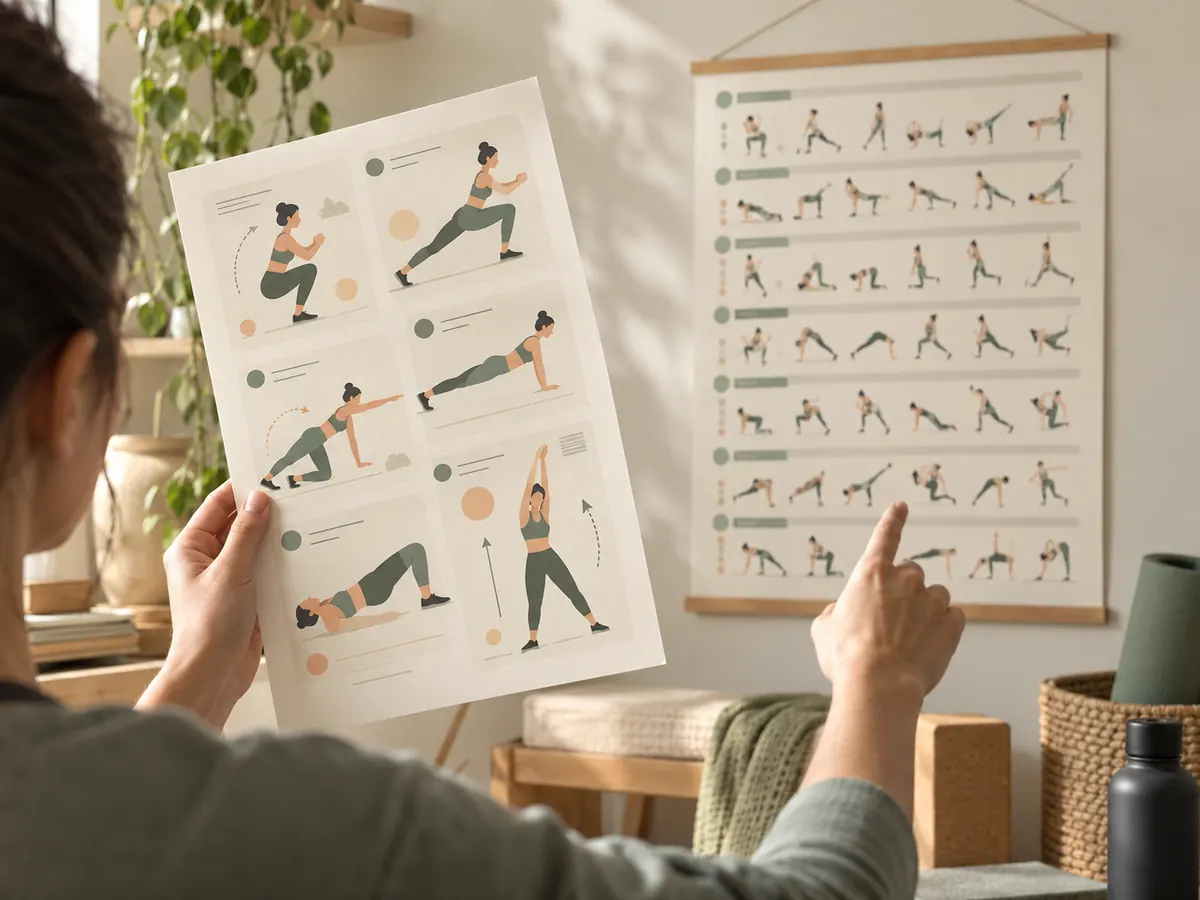
Do not assume every item shown in a lifestyle mockup belongs to the download or is required by its pages. A basket of equipment beside a printed sheet might be decorative. Compare that scene with the file's actual equipment list. If the list is absent from the preview, ask where it appears in the final document. Keep the answer alongside your purchase notes rather than treating the room photograph as a substitute for a specification.
Treat colors as labels that need a key
A blue band in a workbook is not, by itself, a resistance specification. The color might be part of the illustrator's palette or refer to a particular product's labeling. Look for a legend that explains the author's meaning. If none is provided, record blue shown; meaning not specified. That is a more accurate note than assigning a level based on another set you have seen. Compare written equipment information and manufacturer labeling rather than assuming matching colors establish matching characteristics.
When an instructor has already identified the equipment for your routine, keep their instruction in a separate personal note. Do not rewrite the workbook legend as if it originally described your set. A clear two-source record might say illustration uses blue; personal equipment reference supplied separately. This protects against confusion when you later switch documents or discuss the page with someone else. A color-coded workbook can still be useful if its visual labels are understood as navigation rather than an equipment recommendation.

Inspect attachment references without improvising them
Some illustrations show a band connected to an object or support point. In a preview, check whether accompanying text names that setup and directs the reader to relevant equipment instructions. A tiny picture cannot answer every question about a particular object in your room. Do not infer an attachment method from a cropped image or substitute nearby furniture because it resembles the drawing. Record setup explanation located or setup explanation missing and seek the appropriate clarification.
Separate the document question from the equipment question. The seller can tell you which page explains a diagram or whether an image is only a reference. The equipment's own instructions describe its intended use. An instructor can address the role of a setup within your established activity. These sources perform different jobs. Your checklist should identify which source a missing answer belongs to instead of making one broad request that none of them can fully resolve.
Check page density and readable captions
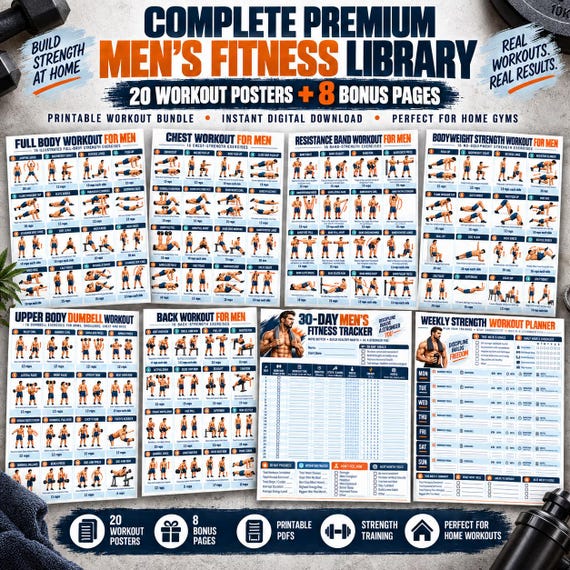
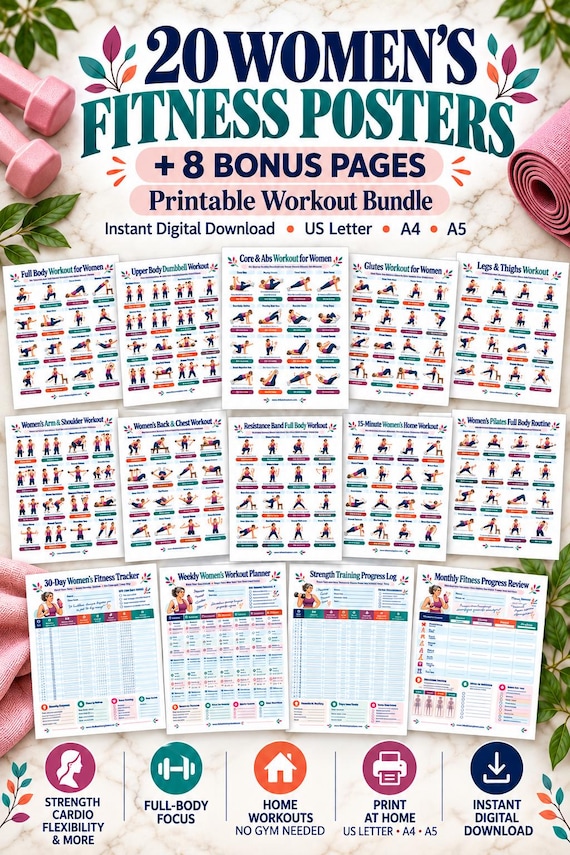
Find an inside page with ordinary content, not only the cover. Enlarge it and see whether labels clearly belong to the correct images. A workbook with spacious diagrams may be easier to study on a desk; a compact poster may suit quick reference if you already understand the instructions. Count how much of the page is explanation, how much is illustration and how much is a blank tracker. This comparison tells you more than the total number of pages in the sales headline.
Evaluate the print edition you intend to use. A caption visible at full-screen zoom might become difficult to read on a small page. Check whether the listing supplies a sample at useful resolution or a close view that reveals the text. If the preview is too blurred to assess, note that limit. You can ask about the file without assuming the purchased PDF must share the screenshot's quality or assuming it will certainly be better.
Separate instruction, scheduling and recording pages
A workbook may include a weekly calendar, a progress record and a set of exercise references. They add different forms of value. A calendar helps you arrange an existing plan; a log records what happened; an explanation page helps you interpret a named entry. List these types separately. Otherwise, a bundle described as thirty pages might be mentally converted into thirty distinct instruction pages when half the file contains repeated planning layouts.
For a purchase comparison, use columns for unique reference pages, accompanying explanations, planning tools and print sizes. Leave any undisclosed quantity blank with a question mark. Avoid marking it zero unless the seller confirms absence. This preserves the difference between missing information in a preview and missing content in the actual download. It also makes your follow-up message shorter because you can ask for precisely the detail that affects your decision.
Walk through a buyer's preview review
Imagine a workbook cover advertises a home band collection and shows several brightly colored items. The interior preview contains a page labeled lower body and a separate weekly log. Start by asking which band type the illustrated page names. If the text only says band, the equipment description remains unclear. Next, look for a color key. Suppose the seller explains that colors are decorative and no resistance level is assigned. That answer improves your interpretation, but it does not make a choice of equipment for you.
Then review a second sample showing an attachment point. If a companion explanation exists, ask for its page title or location. If the download is explicitly a reminder collection without setup instruction, decide whether that limited role matches your intended use. Someone who already has an established routine may value reminders; someone seeking complete learning material may need a different resource. This is a decision about the format, not a conclusion that either buyer can safely copy the image.
Finally, write a purchase note with facts and unresolved items: decorative colors confirmed, log included, explanation page requested, paper size available. Save the note with the listing URL and date. When the file arrives, compare the real contents with those expectations before moving pages into your active folder. This final check keeps the preview from becoming your permanent source of truth after you have access to the document itself.
Compare band workbooks through explicit equipment descriptions, meaningful legends and real inside pages. Keep unclear colors and attachment pictures as questions, and choose a document for the role it actually supports.
Written for general information by The Better Plans. Exercise and wellness content cannot diagnose a condition or replace individual professional advice. The Better Plans also sells digital products on Etsy, but this article is free to read and requires no purchase. Read our editorial policy or send a correction.