 THE BETTER
Bonus pages can make a chair-workout bundle more useful, but only when they address a need you actually have. A planner, a tracker and a question sheet are not interchangeable, and several paper editions do not necessarily mean several different designs. Looking closely at the page count helps you compare offers without dismissing useful extras or exaggerating the amount of content. This article focuses specifically on bonus planning pages associated with chair-workout downloads. It does not compare exercise intensity or recommend a routine. The aim is a clear understanding of what will arrive and which supplementary pages you would realistically use.

Separate designs, pages and file editions
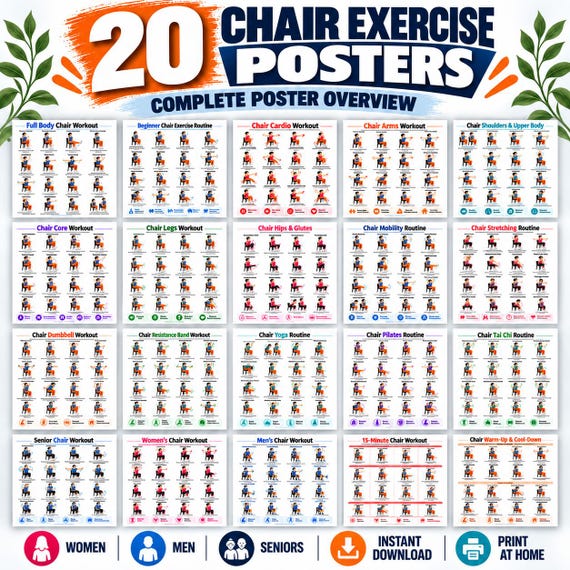
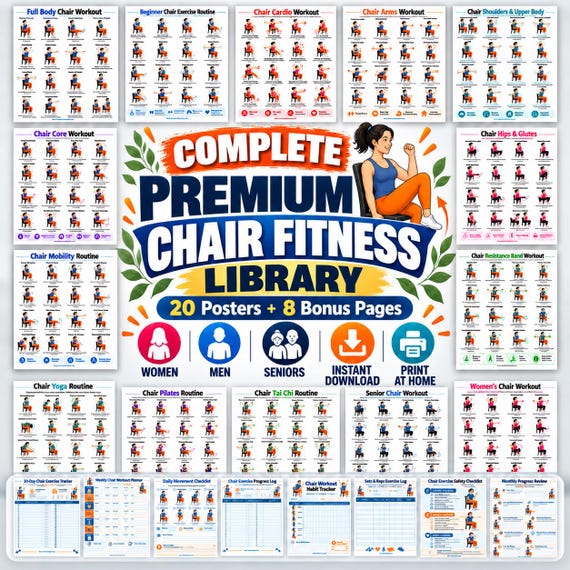
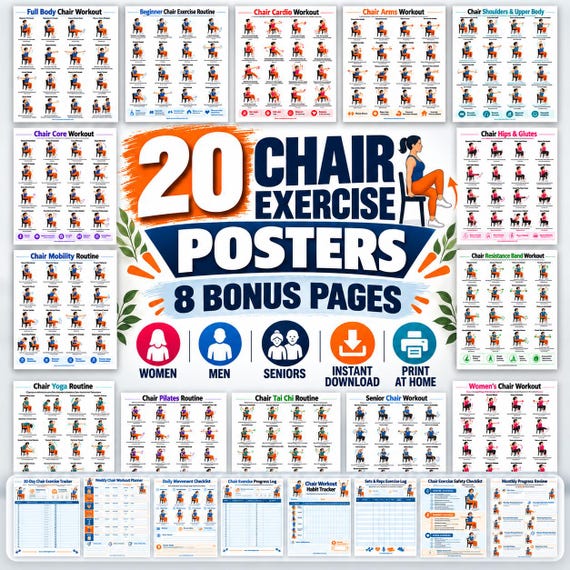
Write down three counts when the listing provides them: unique designs, pages in each file and delivered editions. A bundle with eight bonus designs offered in three sizes may contain twenty-four bonus pages across the downloads without containing twenty-four different tools. That is not necessarily misleading if the description explains it. It does mean that the total number alone is a poor comparison. Keep the exercise posters separate from bonus sheets, covers and introductory pages so each category has a clear role in your decision.
Check whether a page appears in multiple gallery photographs. A desk mockup, a close-up and a framed view can show the same design three times. Product images are presentation evidence rather than a count of delivered pages. Find a page inventory or ask the seller what the advertised number includes. If the listing says twenty posters and eight trackers, do not turn the total into twenty-eight workout routines. Accuracy matters especially when you are comparing similar bundles with different cover language but overlapping contents.
Identify the decision each bonus page supports
A weekly planner helps allocate time or organize intentions. A completed-activity tracker records what happened. A notes page collects observations or questions. A checklist may help confirm that the correct document and equipment are ready. Read the actual headings before assigning a role. A page called wellness tracker could combine several ideas, and its title alone may not tell you what its boxes mean. Choose the tools that answer your own organizational questions rather than assuming every bonus makes the bundle more complete.
Imagine your current difficulty is remembering which reference you reviewed before an appointment. A question sheet with a title and page field may be useful; a monthly streak grid may not address that problem. Another person may need a simple way to separate planned sessions from completed ones. The value is practical fit, not the number of decorative boxes. You can also decide that a notebook meets the need. Buying a bundle does not obligate you to use every included planning design.

Check whether examples are separate from blank templates
Some galleries show a completed example to explain how a page works. Confirm whether the purchased download includes a blank version, an example, or both. An example should not be mistaken for a recommended routine simply because it contains filled-in numbers. Inspect the captions and introductory text. If the page demonstrates a tracking format, its entries may illustrate the document rather than prescribe activity. Ask for clarification if the distinction is unclear. The planning tool should tell you where your own record begins.
Look at whether an empty template leaves room for uncertainty and changes. A useful page can record not completed, not noted or question to discuss without making every space look like a mandatory target. Do not use a printed calendar to override existing individual guidance. A bonus schedule may be a general example, not a personal plan. Keeping those roles separate allows you to use a well-designed template without importing assumptions from an illustrative entry that was never intended for your circumstances.
Review writing space and physical use
Judge a planning page at its intended size rather than at screen zoom. A small edition may be easy to carry but leave little room for handwriting. A larger edition may suit a desk while being inconvenient in a compact folder. Inspect the actual blank fields and line spacing. Attractive headings should not consume so much space that a useful note cannot fit. If you normally write more than a short phrase, a notes page may serve you better than a detailed grid with tiny boxes.
Consider how the page will be handled. If it sits inside a protective sleeve, you may need to remove it to write unless using a suitable erasable method you already prefer. If you plan to reuse the design, check whether you will print fresh copies or use an editable version actually included in the purchase. A PDF extension does not mean that fields are fillable. Ask about editable or interactive features explicitly. Evaluate the supplied tool, not features suggested by an elegant mockup or your assumptions about digital planners.
Notice overlap between bonus designs
Two bonus pages can perform almost the same task even when their layouts differ. A daily tracker and a thirty-day completion calendar may both record participation. That variety can be useful if you prefer one design, but it does not necessarily provide two distinct planning functions. Compare the fields rather than the covers. A compact inventory can list each design and the question it answers. Mark close substitutes together so you can choose the one you will use instead of maintaining several duplicate records.
Overlap can also occur between bundles you already own. Before buying another set, inspect your existing blank templates. If the new bundle's main benefit is a question page or different paper edition, identify that value honestly rather than treating every bonus as new. Do not assume similarly named pages are identical either; compare their content. A purchasing decision becomes clearer when you know whether you are gaining a new function, a preferred layout or simply another copy of a familiar kind of tracker.
Make a purchase summary you can verify later
Before checkout, write a short summary: the distinct posters, the bonus designs you expect to use, the paper editions and any unresolved file questions. Use the live listing and supplied previews, because older notes or saved promotional images may describe a previous version. Confirm whether the purchase is digital and what format will be delivered. If a count remains ambiguous, ask before buying. A specific question about covers, duplicate editions or blank templates is easier for a seller to answer than a broad request to explain the whole bundle.
After download, compare the file inventory with your summary and inspect the bonus pages you selected. Put only useful templates in the active folder. Keep the originals intact and completed personal records separately. If a promised page appears missing, send the seller the filename and specific design name. Avoid calling every unused bonus a defect; a page can be correctly delivered and simply unnecessary for your needs. The successful comparison ends with a clear understanding of contents and a small set of planning tools that support your chosen organizational tasks.
Count distinct designs separately from repeated editions and gallery images. Choose bonus pages for the specific planning questions they answer, rather than their advertised total.
Written for general information by The Better Plans. Exercise and wellness content cannot diagnose a condition or replace individual professional advice. The Better Plans also sells digital products on Etsy, but this article is free to read and requires no purchase. Read our editorial policy or send a correction.