 THE BETTER
Foot and ankle printables often use compact diagrams because the movements appear small. That can make a page look simple while leaving important reading questions unanswered. Which image is the beginning? What does the arrow describe? Is the page a reference, a planner or an exercise guide? This article offers a purchasing and document-review checklist rather than treatment advice. It does not recommend actions for pain, injury, circulation problems or any other condition. The goal is to decide whether the workbook explains itself clearly and to prepare specific questions about the file or individual suitability before relying on it.

Check what the title actually promises
Write the product's exact title beside the kind of material shown in the gallery. Words such as mobility, recovery and relief can suggest different purposes, but they do not establish what the PDF contains. Find whether the author presents it as general information, a reminder chart or a structured workbook. Pay attention to claims that sound like an assured outcome. A buyer can evaluate the clarity of the description without accepting a promise that a generic download will solve a personal problem. Keep the title separate from evidence about the delivered pages.
A listing might include a foot chart, a daily notes sheet and a cover. Those are three pages, but only one may contain illustrated material. Ask how many distinct instruction pages there are if the listing does not say. Check whether front matter and bonus sheets are included in the advertised count. This is an ordinary product question, not a criticism of planning pages. It helps you compare the purchase with your needs. Someone seeking a readable reminder may value one good chart more than a longer collection of trackers.
Examine orientation and labels
Feet can be pictured from above, from the side or from the front. The change of view matters when interpreting an illustration. Look for a label that explains the perspective and whether the diagram concerns the left foot, right foot or either. If the image is mirrored in another panel, check whether the text acknowledges the change. Do not infer a direction solely from an arrow if the legend is missing. Write the ambiguity as a question you can send to the seller about how the artwork is intended to be read.
Small labels around the ankle can overlap the illustration when printed at a compact size. Zoom into the original preview where possible and ask about the intended paper edition. A crisp image at high screen magnification does not tell you whether the labels will be comfortably readable on A5 paper. Identify whether you can distinguish the numbering, arrowheads and any short captions. If a movement needs information absent from the picture, a larger print will not supply it. Size and completeness are separate aspects of instruction quality.

Look for the context surrounding each diagram
Check whether the workbook includes introductory text about its scope and how to use its symbols. A page extracted from a longer document may depend on that introduction. Ask whether explanations appear beside the diagram or elsewhere in the file. Inspect the sample as a reader first, without trying to reproduce the image. Can you describe what the page is asking the reader to understand? If your description needs assumptions the page never states, record them. The purpose is to make missing context visible rather than to complete the instructions yourself.
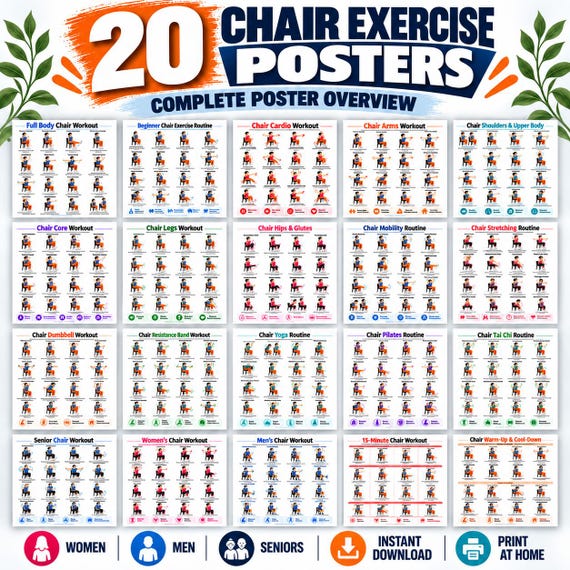
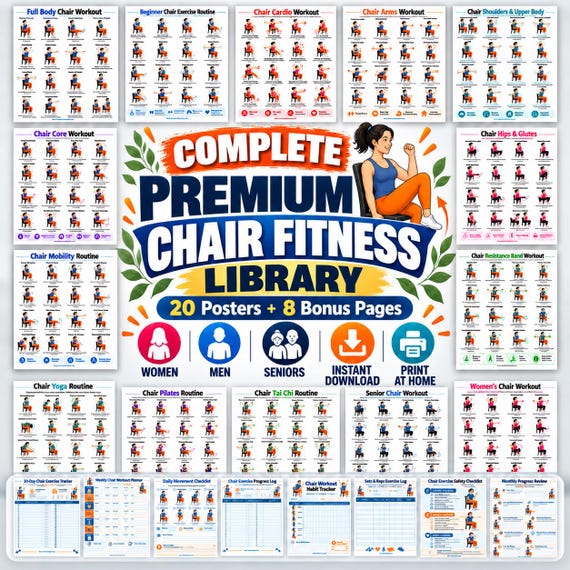
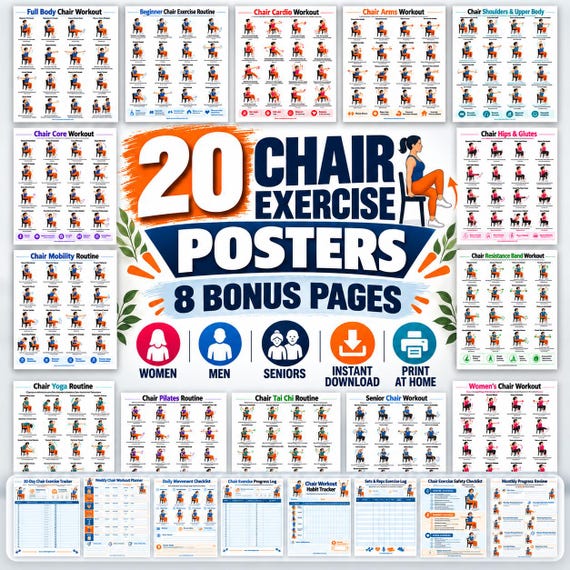
A photo of a person seated beside a poster may be an editorial scene, not a demonstration of the pictured action. Product galleries often mix actual pages and lifestyle mockups. Find which images show the delivered resource and which show its presentation. A video may simply turn pages or show a framed poster. That helps with visual style, but it may not resolve instructional questions. Avoid interpreting a promotional montage as a complete demonstration. Ask for a full sample page if you need to inspect the relationship between pictures and text.
Separate questions about the file from health questions
A seller can clarify whether the PDF includes a particular diagram, which formats are delivered and where the legend is located. They may also correct a missing page or unclear label. These questions belong in a product-support conversation. Whether the pictured activity is appropriate for an individual with symptoms or existing restrictions is a different question. Bring that to an appropriate qualified professional who can consider the individual circumstances. A product's customer reviews do not answer that question, even when other buyers describe positive experiences.
Prepare a short page reference for the professional rather than an unfiltered collection of screenshots. State what is unclear and what guidance you already follow, if relevant. Do not treat the workbook as a diagnosis or select a diagram because its title resembles a symptom. Generic exercise material may use everyday words differently from a clinical assessment. Keeping those roles separate makes the discussion more focused. If a personal concern requires attention, the download should not delay seeking appropriate help while you experiment with interpretations.
Test the document format before printing everything
After purchase, open the file and inspect the page list before producing a full set. Identify the edition matching your intended paper size and locate the sample you reviewed. Read the introduction in the delivered document, since a gallery may show only selected pages. A single test print can reveal whether labels and arrows remain distinct. Keep the file name and print setting with your notes so you can repeat a successful output. This is a production test of the document, not a trial of its movements.
If the page is too dense at the intended size, consider whether a larger edition exists or whether a screen with zoom suits your reading preference. Do not crop away explanatory text merely to enlarge the diagram. Preserve the full page context. If you ask for technical support, include the file edition and page number, and cover personal notes in any screenshot. A seller can respond more accurately to a specific issue such as unreadable arrow labels on the A5 edition than to a general statement that the workbook is unusable.
Keep a final decision checklist
Before relying on the workbook, confirm that you know its intended role, can locate the legend, can read the labels and understand which questions remain unresolved. These are document criteria. They do not certify suitability or safety. A checklist can end with a decision to ask for clarification, choose a different format or keep the page only as a reference during a discussion. Do not force a purchase to feel successful by finding a use for every page. The resource may simply be a poor fit for your current needs.
For later reference, keep a short note explaining why you chose the workbook and any limitations identified during review. That note prevents a familiar-looking chart from being mistaken for personalized guidance months later. If an updated version arrives, inspect the changed instructions rather than assuming only the cover was revised. Retire obsolete active copies to avoid mixing editions. The practical benefit of a careful preview is reduced guesswork: you know what you bought, how its diagrams are organized and where further explanation is needed before it becomes part of an established routine.
Use a preview to evaluate labels, context and delivered formats. Keep treatment questions and individual suitability separate from the seller's file-support role.
Written for general information by The Better Plans. Exercise and wellness content cannot diagnose a condition or replace individual professional advice. The Better Plans also sells digital products on Etsy, but this article is free to read and requires no purchase. Read our editorial policy or send a correction.