 THE BETTER
A large printable workout bundle gives you options, but options are only useful when you can find the right page. Twenty posters can become an untidy pile; several bundles can become a library where similar covers hide different instructions. The practical answer is a small index that describes what each page contains and where it lives. This guide explains how to build that index, choose an active set, distinguish reference pages from personal plans, and maintain the collection without printing everything. You do not need a paid app or a special binder. A plain sheet, a spreadsheet, or a notes document is enough.
Start with an inventory of real pages
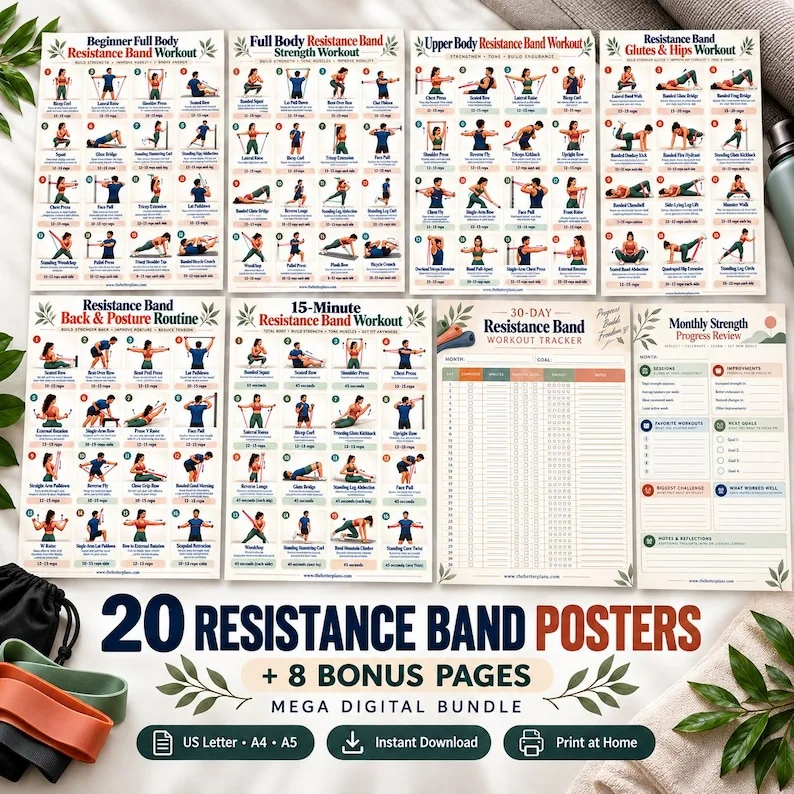
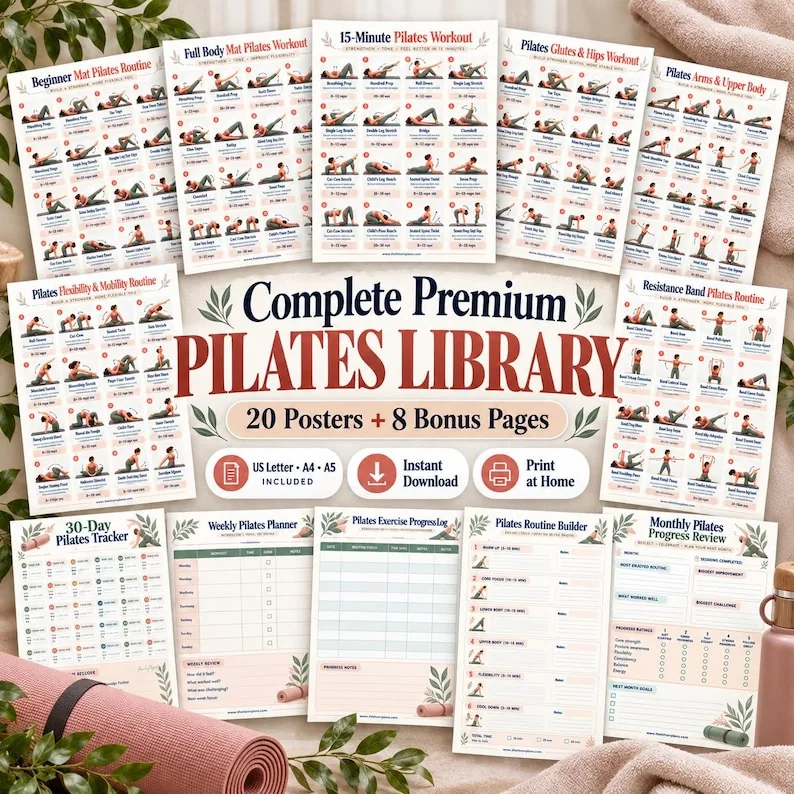
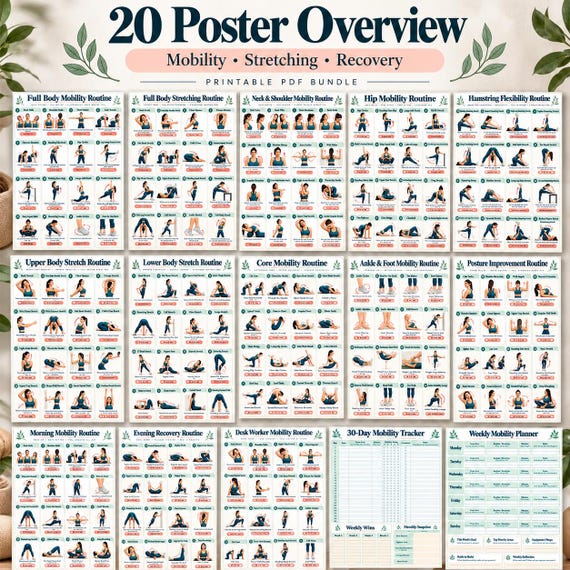
Open the actual download and record the filenames before making an index from the sales gallery. A mockup might show a single poster on a wall, desk and tablet. Those are three presentations of one design, not three different exercise pages. Likewise, US Letter, A4 and A5 files may contain the same collection at different dimensions. Count unique page titles within one complete edition first. Keep size variants in a separate column. This prevents a common mistake: treating every file in a ZIP archive as a different routine and overestimating the usable content.
Give each unique design a simple reference code, such as KB-01 for a kettlebell chart or PL-04 for a Pilates page. Use codes that make sense to you rather than copying the position of an image in a gallery. Then record the exact printed title and PDF page number. If your PDF viewer shows a different page number because of a cover, write both, for example file page 6, printed page 5. That small detail avoids repeatedly scrolling through the document when you want to print one specific sheet.
Use columns that answer a practical question
A useful index needs a page title, collection name, paper size, location and status. Add equipment or setup notes only when the page explicitly states them. An entry might read Beginner Mat Pilates; Pilates collection; A4; PDF page 2; reference; mat required. Avoid guessing from the title alone. A chart called standing strength might include equipment or support you have not noticed. Read its instructions before completing the entry. The index is a navigation tool; it should not turn uncertain information into an authoritative recommendation.
Separate the words reference, planned and archived. Reference means the page is available to consult. Planned means you have chosen to use it in a specific context, with any needed individual guidance. Archived means it is stored but not in the active collection. These labels help distinguish owning a resource from intending to follow it. If you share a binder with another person, add an owner field. A page appropriate for one person's existing routine should not quietly become a shared prescription simply because it sits near the front.
Build a small active set
Choose a limited set of pages that addresses your current organizational needs. One reference chart, one weekly planning page and one log can be easier to manage than a binder containing every option. Place these pages at the front and leave the wider library indexed behind them. The purpose is to reduce searching, not to create a complete exercise program. If a movement is unfamiliar, an illustration alone may not explain how to perform it. Keep questions for an appropriate instructor instead of assuming the active set is ready to follow.
Try a one-week document trial: can you locate the chart, read the instructions from the place where you consult them, and record the relevant page afterward? Review the documents rather than testing every exercise. If you keep switching between similar charts because their titles are unclear, improve the index labels. If the planner has more fields than you need, remove it from the active set. A larger library should make choice easier through organization. It should not create an obligation to work through every page you bought.
Avoid duplicates without deleting originals
Two bundles can contain pages with similar names. Compare the full layouts before calling them duplicates. A core chart with sixteen illustrations is different from a workbook that explains a sequence in several pages, even if both use the phrase core strength. Compare exercise names, written guidance, equipment assumptions and tracker content. Mark identical designs as duplicate references in your index, with a link to the preferred copy. Keep the original purchased files untouched so you can recover a page or verify the collection's contents later.
A printed copy introduces another kind of duplicate: the same design in multiple paper sizes. Choose one working size for each use. A binder copy might be US Letter while a nearby reference is A4, but that is a format decision rather than another routine. Put the size beside the index entry and label the back of the printed page if needed. When you replace a damaged print, use the index to find the right edition. This is more reliable than selecting whichever similarly named PDF appears first in your downloads folder.
Keep the library readable and accessible
An index is only helpful if the selected page is usable. Open a full page at a comfortable zoom and check the smallest text, not just the title. Print one sample before producing the collection. A5 saves space but may make an illustrated exercise grid harder to read. Consider whether a larger screen or larger paper works better for your setting. Place labels where they will not obscure instructions. Clear sheet protectors can introduce glare, so check readability under the lighting where you actually consult the chart.
If you use the files digitally, keep the index and active pages available together. An offline folder is helpful where an internet connection is unreliable. Test that a file opens without needing to revisit a marketplace page. Protect the original download from accidental edits and keep personal notes in a separate document. Accessibility needs vary: a larger print, a simpler index or help reading a page may be necessary. A tidy folder is not a substitute for clear instructions or for support that someone already needs to use the resource.
Review the collection when your needs change
A short review can focus on three questions: which pages were easy to find, which were difficult to read, and which added no useful information? Change the index based on those observations. Move unused pages out of the active set rather than deleting them. Record the date of any revised download so you can distinguish an updated file from an older print. Do not label a page ineffective merely because you did not use it; the problem may be its location, readability or relevance to your current plans.
Before buying another bundle, compare its contents with your inventory. Look for a specific gap such as a different reference format or a planning layout you lack. A high page count is not automatically a better fit. Save questions about file contents for the seller, and questions about exercise suitability for someone qualified to assess your individual circumstances. Your final library should answer a simple question quickly: where is the page I need to consult? If it does, the collection is working even when most of its pages remain safely archived.
Index unique designs, keep a small active set and retain original files. A useful library saves searching without pretending to be a personalized exercise program.
Written for general information by The Better Plans. Exercise and wellness content cannot diagnose a condition or replace individual professional advice. The Better Plans also sells digital products on Etsy, but this article is free to read and requires no purchase. Read our editorial policy or send a correction.