 THE BETTER
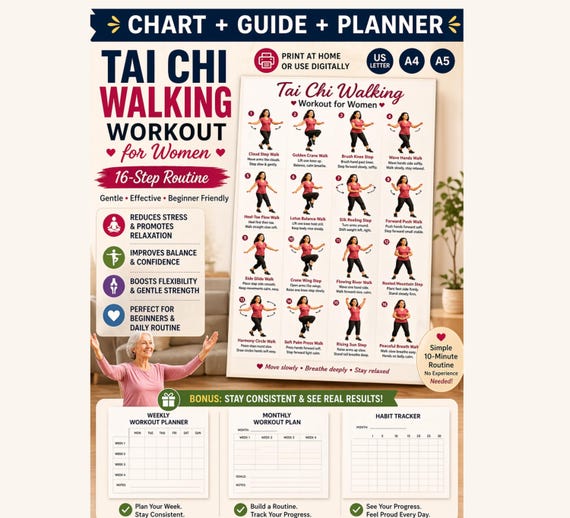
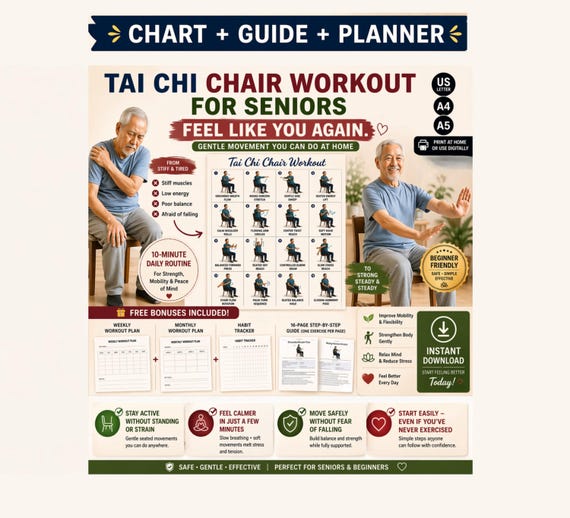
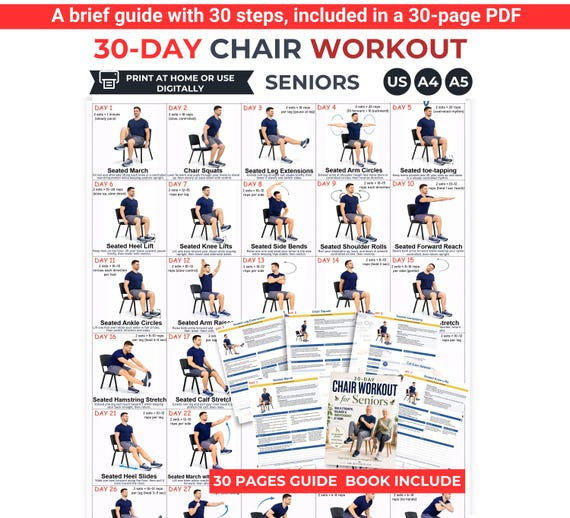
An indoor walking planner is a document for organizing information. It does not become an exercise program because its cover includes shoes or a calendar. The most useful layout depends on what you need to remember: where you planned to walk, which document you consulted, what changed, or what you want to ask later. This comparison method helps you inspect those functions without treating a full page of boxes as instructions. Use an imaginary week to test the layout before printing a stack. You can learn a great deal from a blank page without committing to the activities pictured around it.

Define the job before comparing the artwork
Write one sentence describing why you want the planner. Perhaps you keep forgetting which indoor location you intended to use, or you need somewhere to record changes to an existing plan. Those are different problems. A calendar with large date boxes might solve the first; a page with a clear changes column might solve the second. Compare layouts against that sentence instead of against their decorative headings. Check whether the page is primarily a schedule, a journal, or a completion tracker. A design can combine these functions, but its labels should make their relationship clear. Do not infer an activity recommendation from a field merely because it appears on the page.
For a hypothetical comparison, write: I want to remember my planned location and why I changed it. On each sample, try recording community hall, then changed to home because the hall was closed. If the explanation has nowhere to go, that layout misses your stated need even when the calendar itself looks attractive.
Compare dated and undated spaces
Dated pages can save handwriting when their calendar matches the period you need. Undated pages allow you to start without waiting for a particular month. Inspect where dates belong and whether there is enough space to show the year. A weekday grid should not silently assume that every week starts on the same day you prefer. A running journal can be more flexible, but it needs a reliable date label on each entry. Look for a way to leave unused days blank without implying that a missing mark is a failed task. Empty space is an ordinary part of planning, not evidence about someone's fitness.
Imagine beginning on a Thursday. Copy three example dates into both layouts and leave the weekend blank. Then return to the samples as if you were reading them next month. Can you identify the year, distinguish a planned entry from an actual entry, and see where the next note would fit without rewriting the headings?

Give location enough room to be meaningful
Indoor is a broad label. A hallway, shopping centre and shared room present different organizational questions, even when the planner does not assess suitability. A useful location field lets you name the place and add practical details such as access arrangements or a changed opening time. It should not require a complete address when a short private label is enough. Consider whether another person will read the page and what identifying details you want visible. A planner displayed in a shared area may need less specific location information than a private journal. Choose labels that tell you what happened without publishing unnecessary personal information.
Use two sample entries: room A unavailable, and indoor venue requires booking. A narrow icon-only field might not capture either. If the planner only offers home or gym checkboxes, test whether its notes box can hold the actual context. Adding another checkbox is less useful than preserving the explanation you will need later.
Separate intentions from records
A page headed weekly plan can become confusing if you overwrite every intention with what actually happened. Compare whether the layout has separate spaces for planned and recorded information. This separation makes changes legible without turning them into a score. A compact layout might use a small status field with words such as planned, changed or not recorded. A more detailed layout can include an actual location column. The terminology matters: completed should only describe what you genuinely recorded, while not recorded should remain different from did not happen. Your document should make uncertainty visible rather than force every day into a positive or negative symbol.
Write planned: hall, actual: home, note: booking changed. Next, add a date for which you have no record. If the layout forces you to call the second date missed, cross out that label and see whether a neutral alternative fits. The ability to represent incomplete information is a useful design feature.
Test the smallest useful note
Large blank boxes are not automatically easy to use, and tiny ruled lines are not automatically efficient. Try your ordinary handwriting on a sample. Include the longest kind of note you expect to make, such as a question about a reference page or a change in transport arrangements. A layout with seven equal boxes may provide less usable writing space than a simple list. On a phone, compare whether you can zoom into one entry and return to the date without losing your place. The page should remain understandable after it contains real text, not only while it is an elegant empty template.
Try writing: confirm whether page four belongs to the same edition as the calendar. That sentence tests both space and clarity. If you must squeeze it between decorative borders, choose another layout or keep a separate notes sheet. A planner becomes less useful when its appearance discourages you from recording the very information it is meant to hold.
Choose a review area that leads to a decision
A review box should help answer a practical question. Useful prompts include which location details were missing, which labels were unclear, and what needs checking before the next page is prepared. Avoid choosing a layout solely because it offers ratings or motivational slogans. Those features may suit some readers, but they do not replace a concrete record. Compare whether the review area can point to a specific date or document. That connection allows you to correct a booking note, clarify a calendar label or contact a seller about the file. A review should serve your next administrative step rather than demand an evaluation of your body.
At the bottom of a trial page, write: next version needs a column for venue closures. Then check whether the rest of the layout actually supports that change. If the review box is separated from all dated entries, add a date reference. The aim is to create a traceable document adjustment, not a general judgment about the week.
Keep the trial and make a modest choice
After comparing samples, choose the layout that answers your original sentence with the least extra work. Keep the annotated trial because it records why you selected that design. You may prefer a plain list over a colourful calendar, or a larger calendar over a compact pocket sheet. Neither choice says anything about the quality of your walking. Save the original purchased file separately from your filled version. Note the edition or filename on your trial so you can reproduce the useful layout later. If a field remains confusing, ask the seller what it means rather than inventing an interpretation that might spread through future copies.
Your final comparison note might read: layout B keeps planned location, actual location and reason separate; use the undated edition; keep private venue details elsewhere. That is a defensible format decision. Review the page again when your recording needs change, and replace it if necessary without treating the switch as abandoning an exercise commitment.
Choose an indoor walking planner by the information you need to organize. Test dates, location notes and changes with an imaginary week before printing more pages.
Written for general information by The Better Plans. Exercise and wellness content cannot diagnose a condition or replace individual professional advice. The Better Plans also sells digital products on Etsy, but this article is free to read and requires no purchase. Read our editorial policy or send a correction.